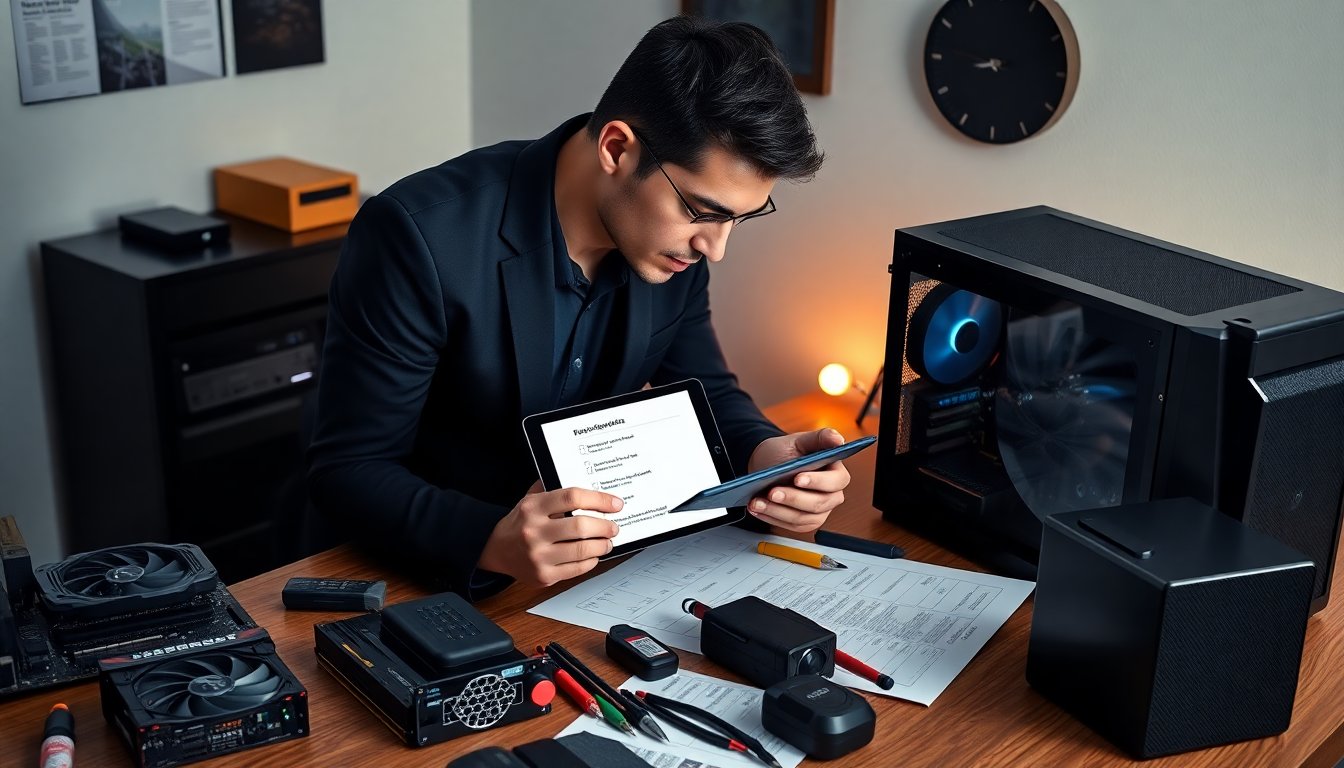
pc enthusiast tips by squikygamerz focus on clear planning and sensible choices. The guide lists steps that reduce wasted time and money. It shows how to pick parts, arrange cooling, and tune the system for steady gains. It assumes the reader wants practical advice and clear action items. The tone stays direct and confident.
Key Takeaways
- Plan your PC build by defining clear goals, setting a firm budget including upgrade paths, and prioritizing compatibility to future-proof your system.
- Choose components based on performance per dollar and reliability, balancing spend across CPU, GPU, and RAM to avoid bottlenecks and maximize value.
- For gaming-focused builds, prioritize GPU investment, match CPU cores to your needs, and select dual-channel RAM with speeds supported by your CPU and motherboard.
- Select a motherboard with necessary ports and future CPU support, choose a high-efficiency modular PSU with spare wattage, and use NVMe SSDs for performance-critical storage.
- Optimize cooling by establishing efficient airflow patterns, applying quality thermal paste, and maintaining fans regularly to balance temperature and noise levels.
- Enhance performance and stability with BIOS updates, enabling XMP profiles, modest tuning, and thorough stress testing, while documenting changes to ensure safe overclocking practices.
Build Planning: Define Goals, Budget, And Future-Proofing
SquikyGamerz advises builders to state goals before shopping. The user should name primary tasks such as gaming, streaming, or editing. The builder should set a firm budget and include tax and shipping. The plan should list upgrade paths for CPU, GPU, and storage. The builder should choose sockets and chassis that accept future parts. The maker should prioritize compatibility checks for cooler height and PSU connectors. The guide warns against emotional buys and suggests waiting for deals. The plan should include a small buffer for unexpected costs.
Choosing Components That Deliver The Best Value
SquikyGamerz stresses value over flash. The buyer should compare performance per dollar for each part. The builder should read benchmarks for intended workloads. The buyer should favor parts with longer warranty for reliability. The guide recommends balancing spend across CPU, GPU, and RAM to avoid bottlenecks. The builder should pick parts that fit the stated goals and budget. The guide encourages patience and price tracking to hit value targets. The buyer should prefer proven models over brand-new releases when price/performance matters.
CPU, GPU, And RAM Priorities For Gaming And Productivity
For gaming, SquikyGamerz tells builders to invest in GPU first if the budget forces choices. The builder should match CPU cores to game and streaming needs. The buyer should choose RAM size for target applications and prefer dual-channel kits. The builder should pick RAM speed that the CPU and motherboard support. The guide says 16 GB usually suffices for gaming and 32 GB suits streaming or heavy editing. The buyer should check platform compatibility for overclocking headroom.
Motherboard, PSU, And Storage Choices To Avoid Bottlenecks
The motherboard should offer required ports and future CPU support. The buyer should pick a PSU with spare wattage and an 80+ efficiency rating. The builder should choose a modular PSU for cleaner builds. The guide recommends NVMe SSDs for boot and active projects. The builder should add larger SATA drives for archives and backups. The buyer should verify that the case supports drive sizes and M.2 placement that allows cooling. The maker should include a UPS for critical systems.
Cooling, Airflow, And Noise Control: Practical Strategies
SquikyGamerz tells builders to plan airflow before buying fans. The builder should aim for a clear front-to-back air path. The user should place intake fans low and exhaust fans high. The buyer should use fan curves to balance temperature and noise. The maker should apply quality thermal paste and seat the cooler correctly. The builder should inspect fan orientation and dust filters during assembly. The guide recommends replacing cheap stock coolers when they cause high temps or noise. The user should clean filters and fans every few months.
Performance Optimization And BIOS Tweaks For Stable Gains
SquikyGamerz recommends updating BIOS before major testing. The user should load XMP or DOCP to use rated RAM speed. The builder should test stability with stress tests after changes. The guide suggests modest CPU and GPU tuning rather than extreme settings. The user should monitor voltages and temperatures during tuning. The maker should update chipset and GPU drivers for best compatibility. The builder should document each change and revert if instability appears. The guide warns that warranty terms can vary with overclocking.
Cable Management, Case Modding, And Clean Aesthetics (Minimal RGB Tips)
SquikyGamerz tells builders to route cables behind the motherboard tray. The user should use zip ties and Velcro straps to secure wires. The maker should plan PSU cable lengths and test fit before finalizing. The builder should keep airflow paths clear when modding the case. The guide suggests minimal RGB for a clean look and to reduce noise from extra fans. The user should match lighting to function, not to hide poor cable routing. The builder should take photos during assembly to aid future upgrades and maintenance.
About The Author